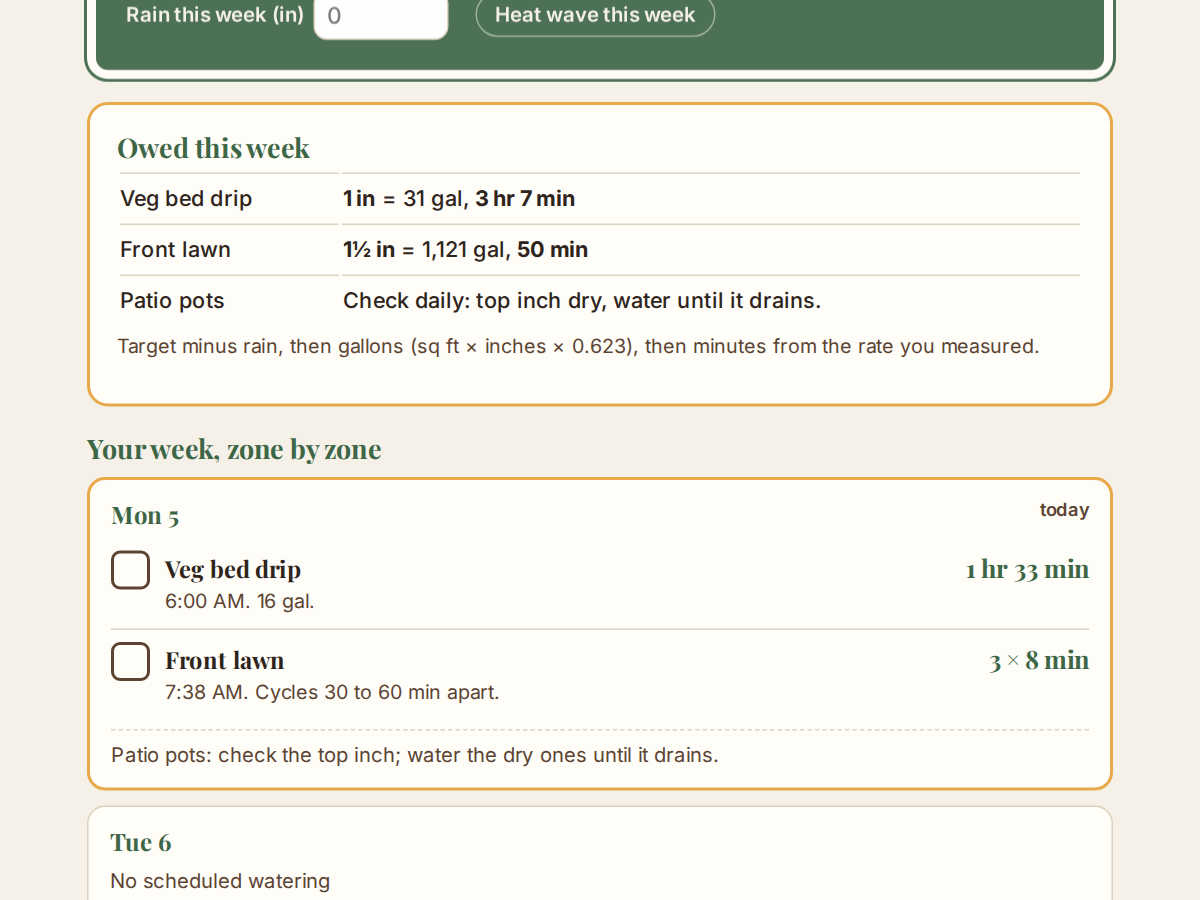
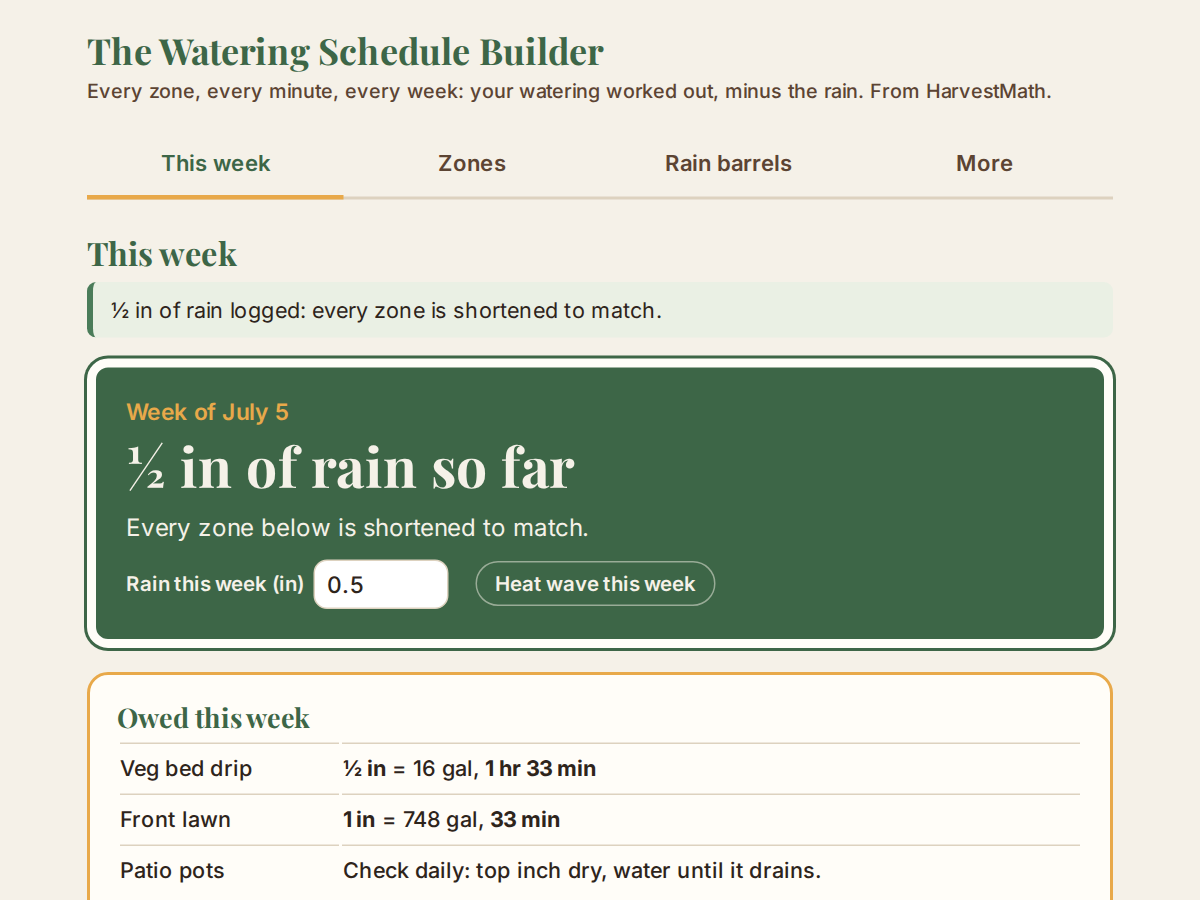
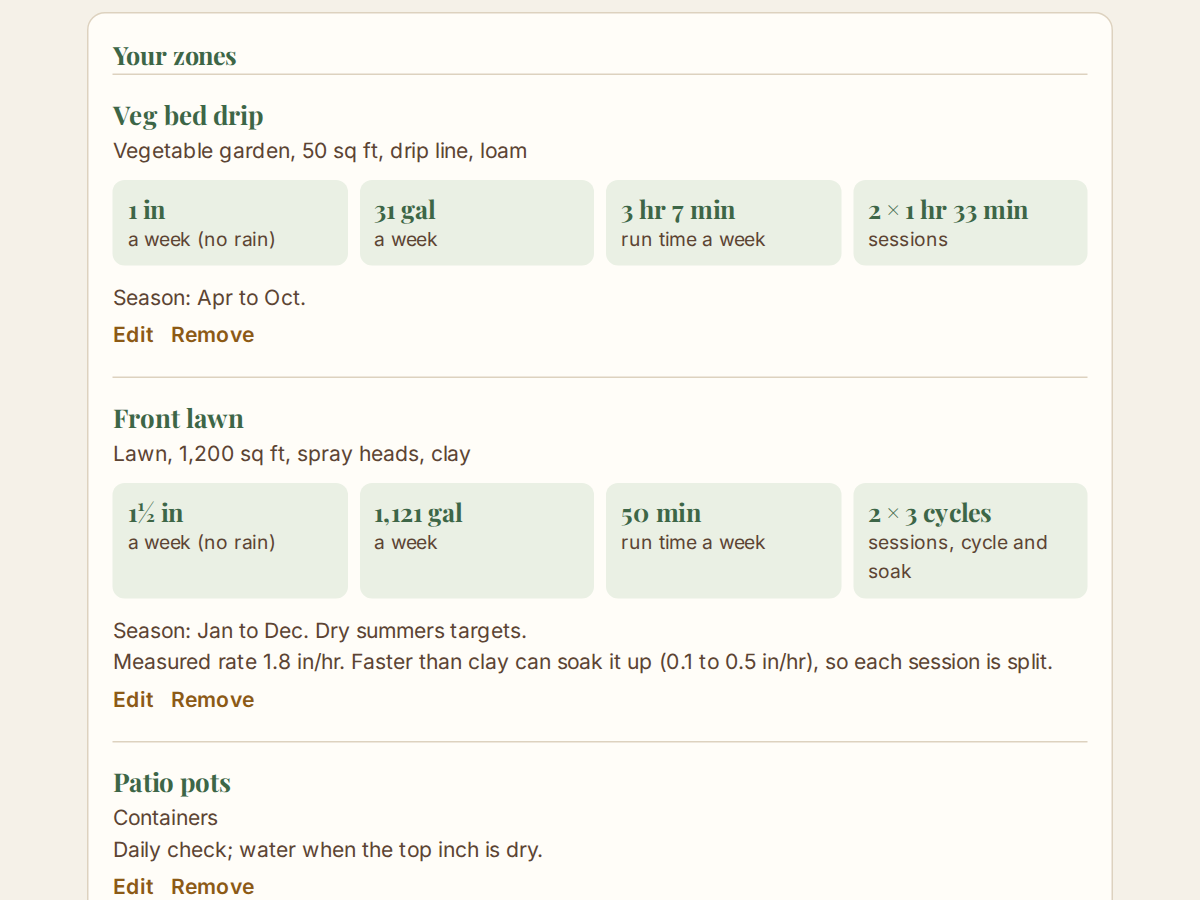
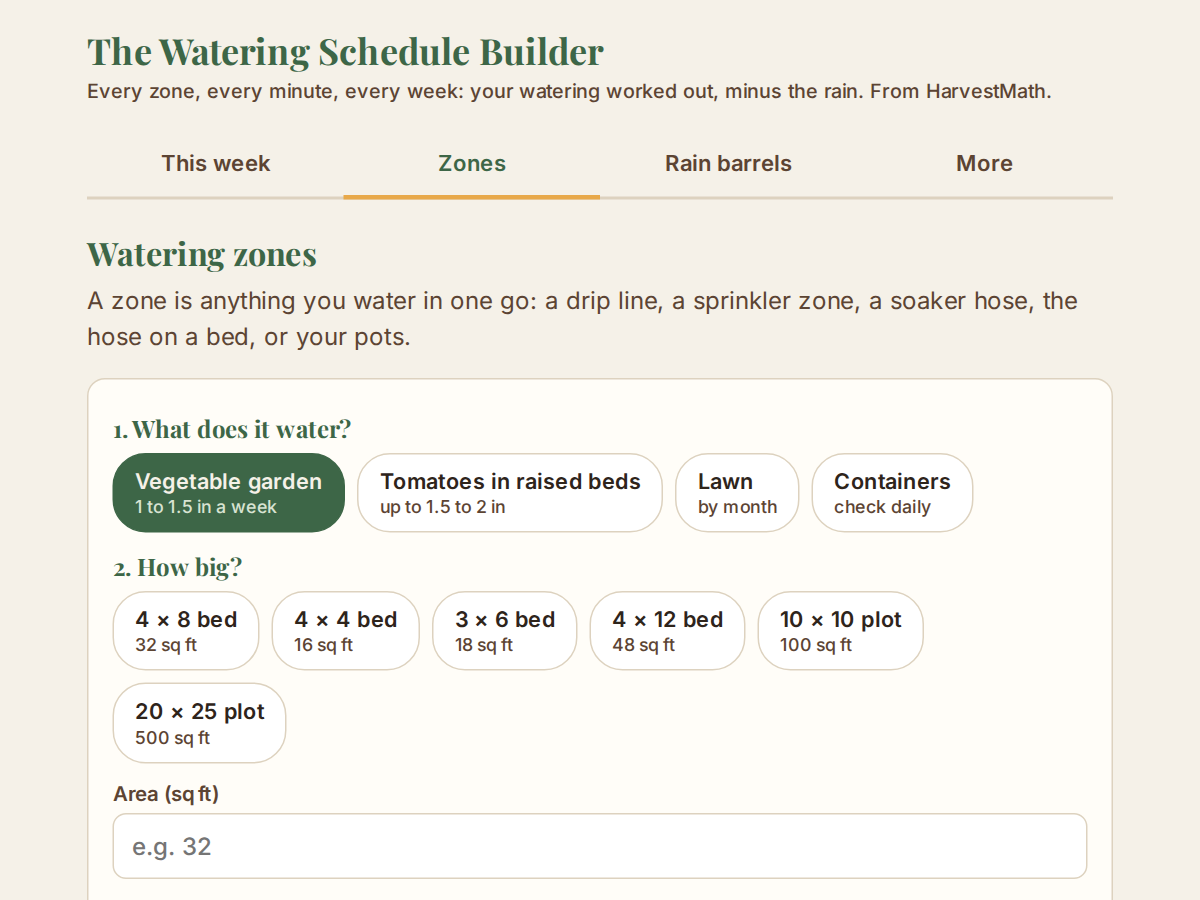
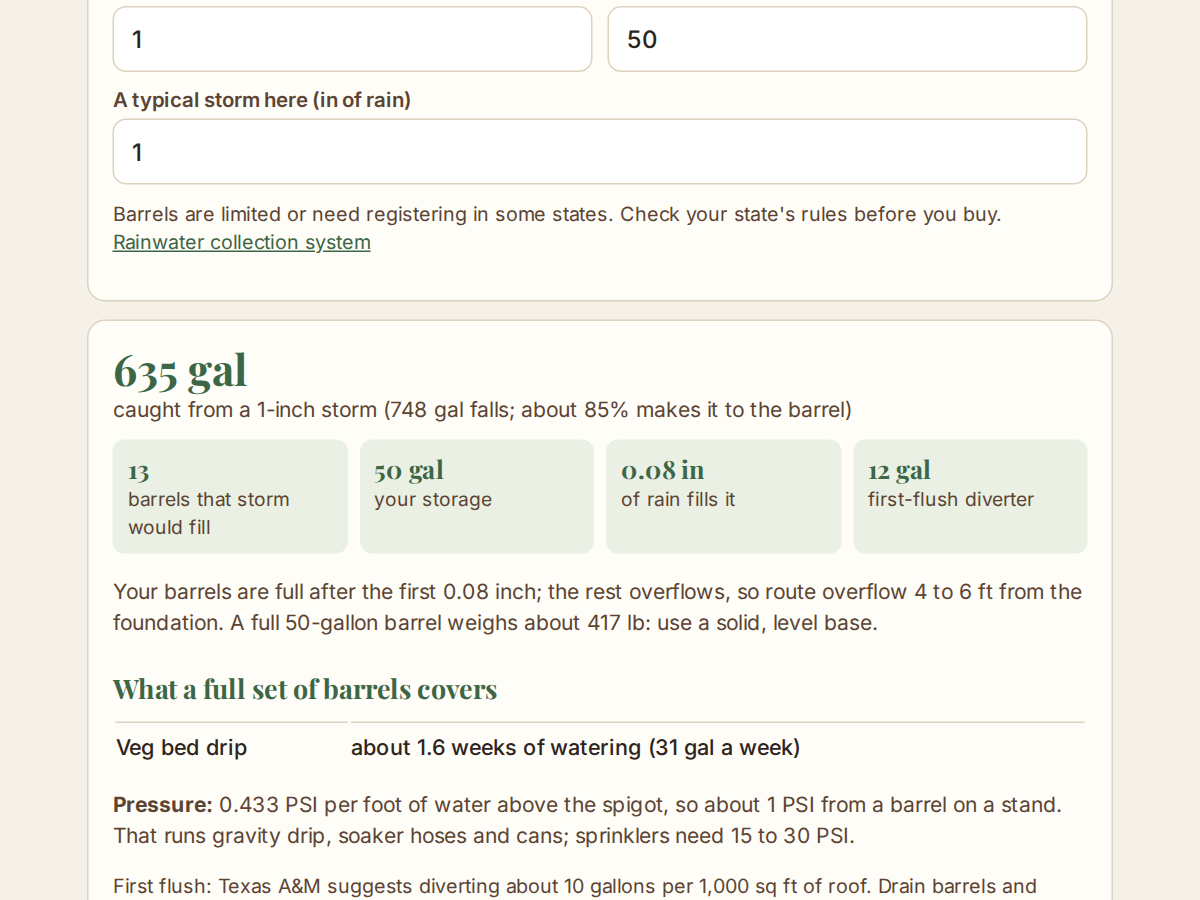
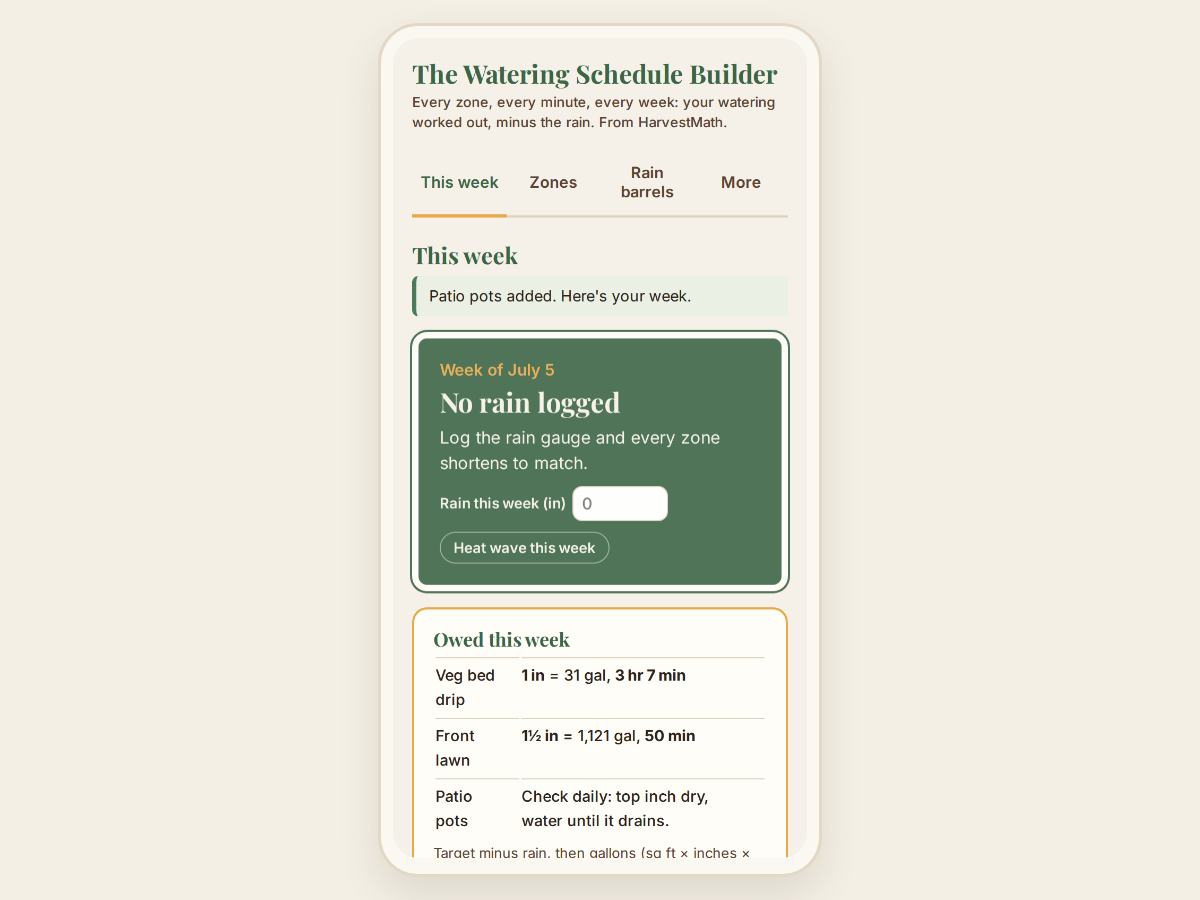
Real captures of the live app. Nothing here is a mockup.
- Instant download
- No internet required
- Works on any device
- Yours to keep
The Watering Schedule Builder
Every zone, every minute, every week: your watering worked out, minus the rain.
- Instant download
- No internet required
- Works on any device
- Yours to keep
Not sure yet? Try the free demo →
Secure checkout by PayPal or Dodo Payments. No refunds for a change of mind.
A 7-day schedule
Start times and run times, ready for a timer.
Minus the rain
Log the rain and every zone shortens to match.
Works offline
Use it anywhere. Nothing is uploaded or stored online.
One-time purchase
No subscriptions. No recurring fees.
About this schedule
The Watering Schedule Builder turns "an inch a week" into minutes for every zone you water: beds, lawns and pots, by drip, spray or rotor sprinklers, soaker hose, hose or can. Do a catch-can or bucket test once and it knows your real rates.
Log the rain and every zone shortens to match. It's a single HTML file you own: no subscription, no account, and it works offline.
What it does
- Beds, lawns and pots, watered by drip, spray or rotor sprinklers, soaker hose, hose or can
- Gallons and minutes from the tests you do once (catch-can, bucket)
- Cycle-and-soak for clay
- A 7-day schedule with start times for a timer
- Log the rain and every zone shortens to match
- A heat-wave switch
- A soil check that adjusts run times
- Rain-barrel planner
- Repeating calendar events with reminders that stop at the end of each zone's season
- Works offline; your data stays on your device
What's included
- 1 offline HTML file you keep
- Installable copy for your phone
- Calendar file with reminders
- Backup and restore to a file
- Lifetime access to this version
File type
Single HTML file
Works on
Windows, Mac, iPhone, Android
iPad, tablets
Delivery
Instant download after purchase
No shipping required
Frequently asked questions
Can I try it before I buy? +
Yes. The free demo is the real app, not a video or a mockup. It's capped to 2 zones, and nothing you enter is saved: closing the tab clears it. Calendar downloads, backups and printing are in the full version. Buy to remove the cap and keep what you build.
Does it control my sprinkler timer? +
No. It works out what to set: the start time and minutes for each zone. You set your timer from it, or water by hand from the calendar reminders.
Is this a subscription? +
$15.00, once. No account is created, so there is nothing to cancel, and no recurring charge, ever.
What exactly do I get? +
Two things from the same purchase: a single HTML file you download and own, and an installable copy of the same app for your phone's home screen. Either one works fully offline after the first load. The download link is on the page you land on after paying, and in your receipt email.
Does it work without internet? +
Yes, after the first load. Everything works with no connection: there's nothing on the other end for it to talk to.
Where does my data go? +
Nowhere. It stays on your device, in the browser you use the app in. HarvestMath doesn't run a server that sees it. To move to another phone or computer, save a backup file from the More tab and restore it there.
What about HarvestMath Garden? +
HarvestMath Garden plans your whole garden in one place, with this app's engine inside it, plus 5 more apps. Pick it above the payment buttons to buy it instead, for $49. Already bought this app? What you paid counts toward it: the Garden costs you $34 (never less than $30), and your receipt email has an upgrade link with your order filled in.
Is there a refund? +
No refunds for a change of mind: the free demo is the real app (just capped, and it doesn't save), so you can see exactly how it works before you pay. If something is broken, or you were charged by mistake, email hello@harvestmath.com and we'll make it right.